Category Blog

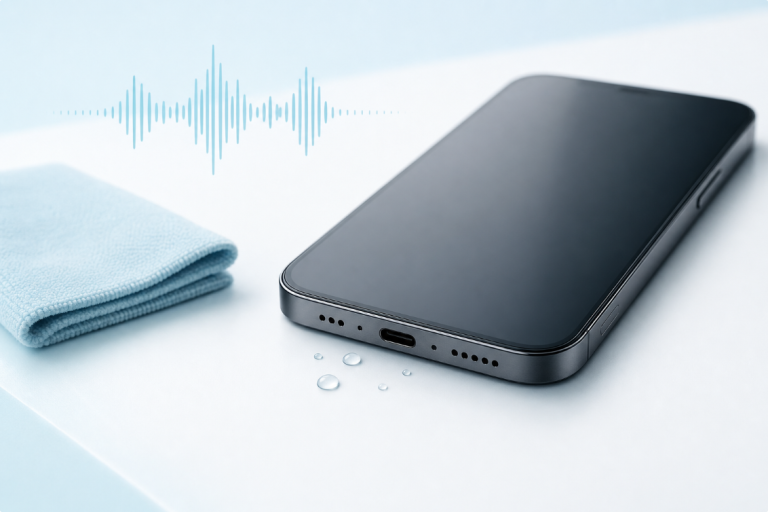
Explore our Water Eject Blog for guides, tutorials, and tips to safely remove water from your iPhone or Android speaker using water eject sound methods.

Wet smartphone held with its charging port downward beside a disconnected cable

Dropped Your Phone in Water? What to Do Right Now

If you dropped your phone in water, protect the entire device before worrying about muffled sound. A wet speaker may recover after drying, but liquid can also affect the charging connector, battery, display, cameras, microphones, and internal electronics. Remove the…

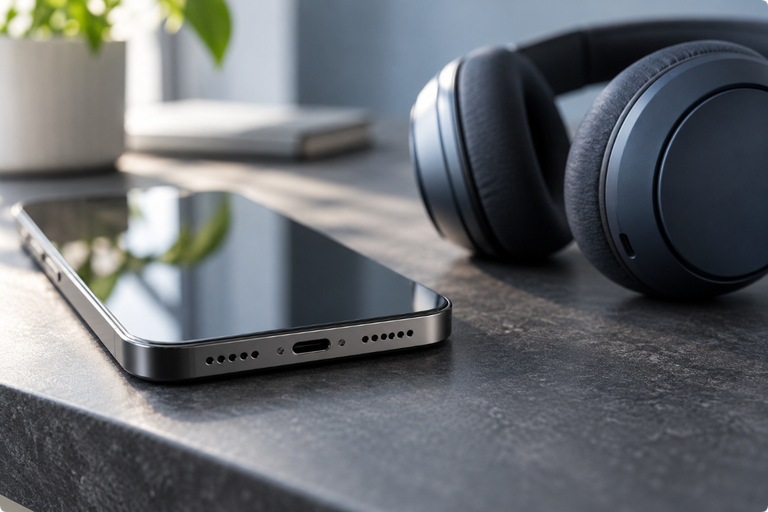
Smartphone with a mute symbol and a disconnected audio cable

Phone Speaker Has No Sound? Try These Checks First

When a phone produces no sound at all, the speaker is not always broken. Audio may be muted, routed to another device, limited to one app, interrupted by software, blocked by moisture, or affected by damaged hardware. Start with reversible…

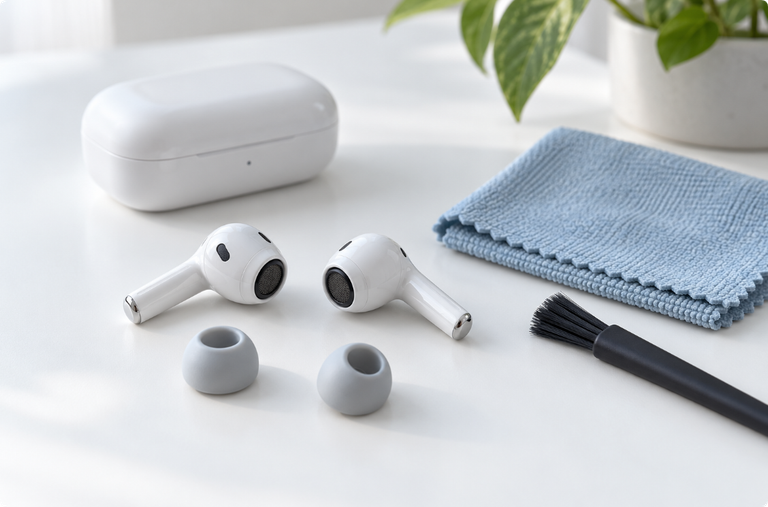
Soft brush and microfiber cloth beside a smartphone speaker grille

How to Clean Your Phone Speaker Safely

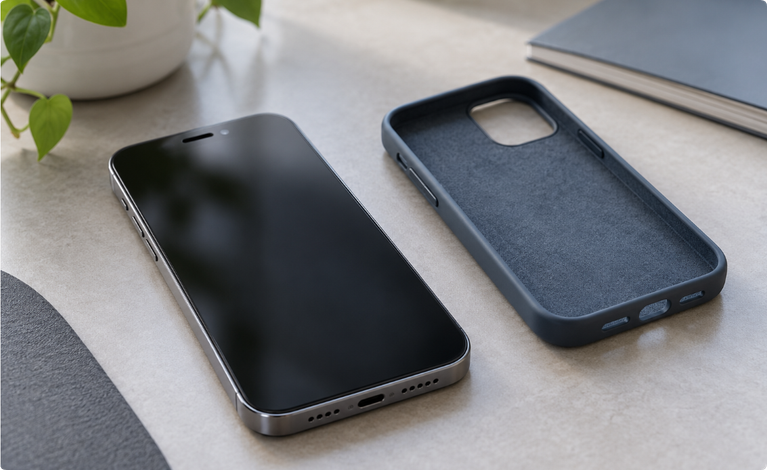
Dust, pocket lint, moisture, a blocked case, and audio settings can all make a phone speaker sound quieter than usual. Before you search for a speaker cleaner or start a DIY repair, identify whether the problem is dirt, water, audio…

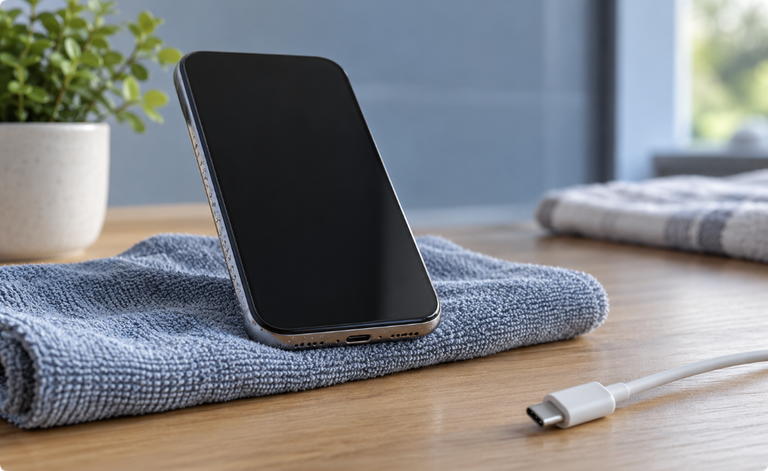
Smartphone drying on a microfiber cloth with its charging cable disconnected

How to Get Water Out of an iPhone Speaker Safely

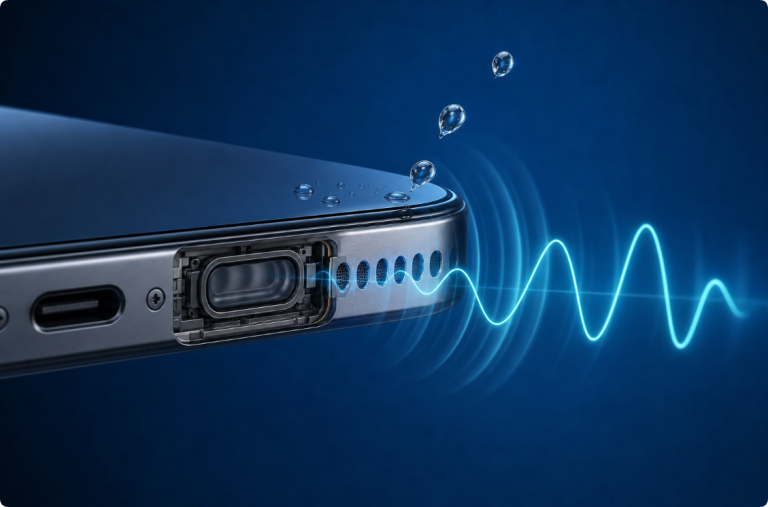
Water near an iPhone speaker can make calls, music, and alerts sound muffled. A short tone may help move droplets close to the speaker grille, but it cannot dry the charging connector or internal components. Start with Apple’s drying guidance.…