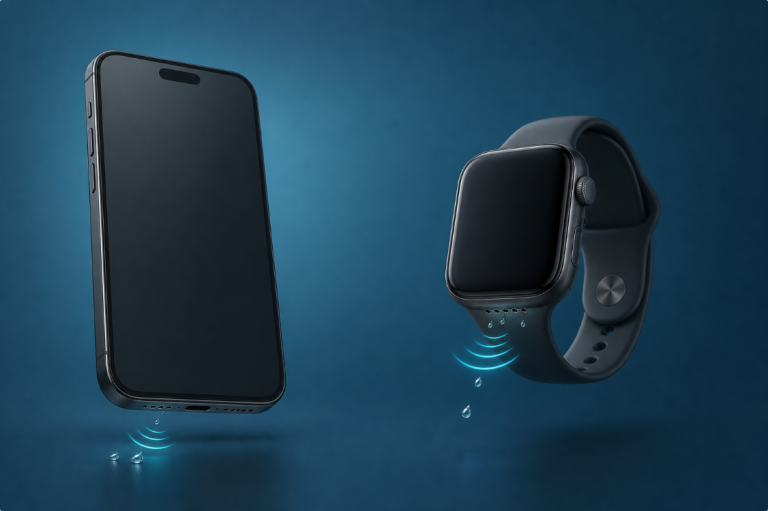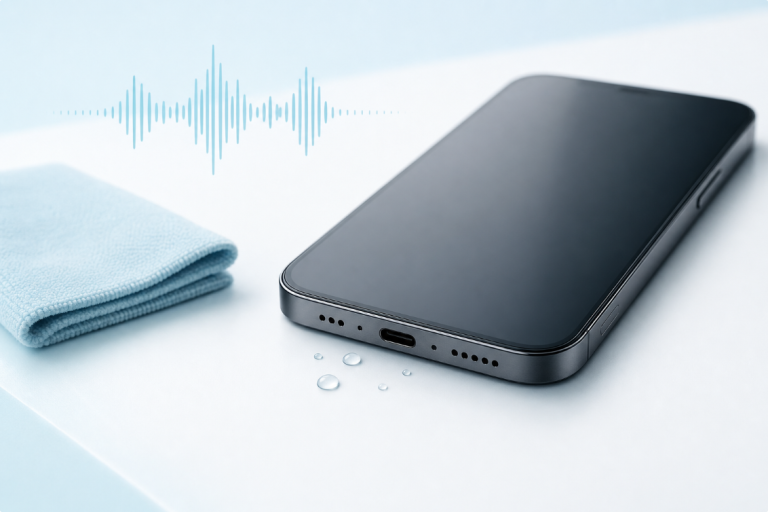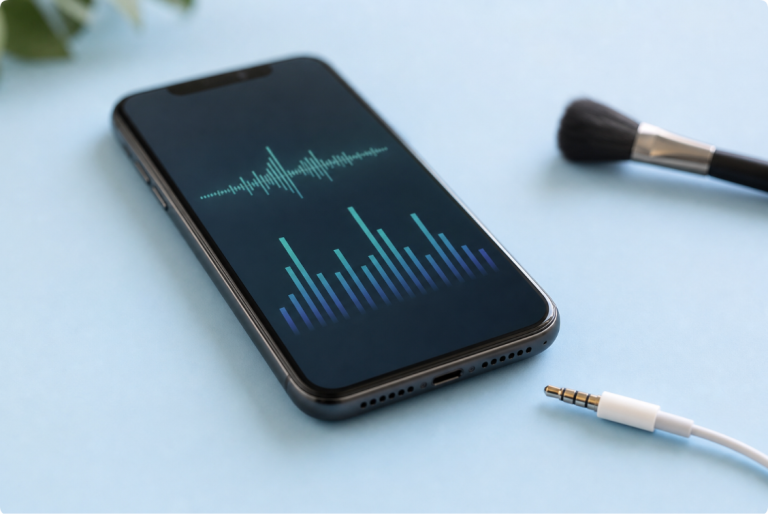

A water-eject sound can resemble buzzing, humming, pulsing, or rough noise because it is designed to move the phone speaker diaphragm, not to sound like music. Low-frequency tones and frequency sweeps can be repetitive and unpleasant while still playing normally.
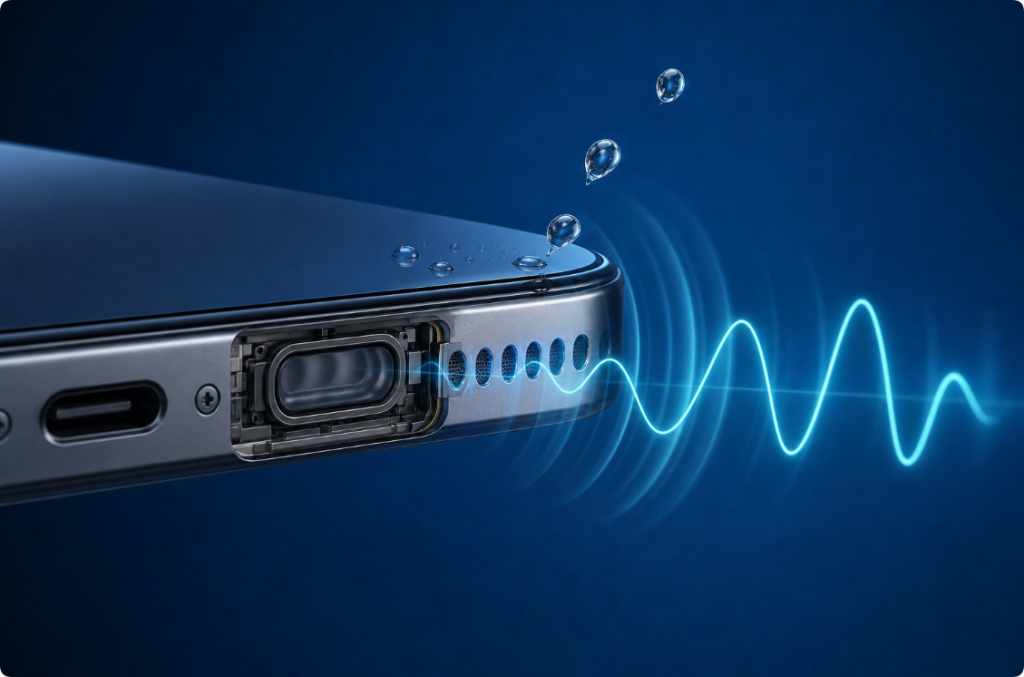
However, sharp crackling, scraping, sudden volume changes, heat, or playback that stops unexpectedly can signal distortion, debris, moisture, or speaker damage. Start at a low volume and stop when the sound seems mechanically harsh.
Quick Answer: Is the Noise Normal?
| What you hear | Possible explanation | What to do |
|---|---|---|
| Steady hum or buzz that follows the tone | Normal low-frequency playback | Keep volume controlled and use a short session |
| Pitch rises or falls smoothly | Normal frequency sweep | Let one short sweep finish, then reassess |
| Sound pulses in a regular pattern | Tool preset or changing amplitude | Confirm the tool controls and avoid maximum volume |
| Temporary sputtering while droplets leave the grille | Moisture interacting with the speaker opening | Stop after the short cycle and allow drying time |
| Sharp crackle, scraping, or metallic rattle | Distortion, debris, or damage | Stop playback and inspect or seek service |
| Phone becomes hot, restarts, or display changes | Broader device problem | Stop using the phone and seek qualified help |
A water-removal noise should be controlled and repeatable. It should not sound like the phone is physically tearing or failing.
Why Low Frequencies Sound Different From Music
Music combines many frequencies, instruments, voices, and changes in volume. A speaker water-eject tool may use one low tone or a narrow range of frequencies repeatedly.
At lower frequencies, the speaker diaphragm moves back and forth more slowly. The movement may help disturb a small droplet near the speaker grille, especially when the affected opening faces downward.
Because the tone has little melody or variation, the ear may interpret it as buzzing or mechanical noise. That does not mean the app is cleaning internal electronics. It means the speaker is reproducing a simple test signal.
The guide to water-removal frequencies explains why there is no single guaranteed setting for every phone.
Tone, Sweep, Pulse, and Noise Are Not the Same
Fixed Tone
A fixed tone holds approximately one frequency. It may sound like a steady hum or buzz. The effect depends on the speaker design and where the droplet is located.
Frequency Sweep
A sweep moves through a range of frequencies. The pitch rises or falls, which can sound like a siren, vibration, or electronic test noise. A sweep explores more than one diaphragm movement pattern.
Pulsed Tone
A pulsed preset turns the tone on and off or changes its strength. Regular pulsing can be intentional. Random interruptions may indicate an app, browser, routing, or speaker problem.
Actual Noise Signal
White, pink, or other noise contains a wider range of frequencies. A water-eject tool does not need to use broadband noise, and a louder, harsher signal is not automatically more effective.
How Sound May Eject Water From a Phone Speaker
The phone speaker contains a diaphragm that moves air to create sound. When a small droplet sits close to the exterior grille, diaphragm motion may deform or shift it. Gravity helps when the speaker points downward.
This mechanism is limited to moisture close to a functioning speaker. It cannot:
- dry the charging connector;
- pull moisture from the battery or main board;
- remove salt, sugar, soap, or chemical residue;
- repair corrosion;
- restore a speaker that produces no sound;
- prove the entire phone is dry.
The article explaining how speaker-cleaner sounds and apps work compares water, dust, residue, and hardware problems.
How to Use a Water-Eject Speaker Sound Safely
- Disconnect the charging cable and wired accessories.
- Remove the case if it blocks the speaker or traps moisture.
- Wipe the exterior with a soft, lint-free cloth.
- Hold the affected speaker facing downward.
- Open the Water Eject Sound tool on the affected phone.
- Begin at low volume.
- Play one short tone or sweep.
- Stop, allow drying time, and test spoken audio at moderate volume.
Do not continue indefinitely. If one or two controlled attempts produce no improvement, the problem may involve residue, internal exposure, or hardware rather than a movable surface droplet.
Why Maximum Volume Can Sound Worse
Small phone speakers have limited movement. At excessive volume, the requested signal may exceed what the speaker can reproduce cleanly. The result can be distortion, harsh buzzing, or rattling.
Maximum volume does not guarantee more diaphragm movement in a useful way. The phone may limit the output, the speaker may distort, or the wet grille may create additional noise.
Start low and increase only enough to hear stable playback. Stop before sharp distortion.
Normal Water Interaction vs Warning Sounds
Usually Less Concerning
- steady tone at the expected pitch;
- smooth pitch change during a sweep;
- regular pulsing from a preset;
- brief change as a visible droplet moves;
- gradual improvement in spoken audio after drying.
Reasons to Stop
- sharp crackling at low volume;
- scraping or metallic rattling;
- sound cuts in and out randomly across multiple apps;
- the phone becomes hot;
- the phone restarts or shuts down;
- the display, cameras, charging, or wireless connections also change;
- the phone was submerged or exposed to a contaminated liquid.
When several functions change, treat the issue as possible water damage rather than a simple wet speaker. See the guide to whether a water-damaged phone can be fixed.
Test Before and After the Tone
Use the same spoken recording before and after the water-eject session. Spoken audio makes muffling, buzzing, and missing frequencies easier to compare than loud music.
Keep these variables the same:
- volume level;
- phone position;
- case removed or installed;
- audio file or app;
- Bluetooth state;
- room noise.
If the speaker improves over time without another tone, evaporation and airflow may be doing most of the work. That is a valid result; repeated sound cycles are not required.
Can a Water-Eject Sound Remove Dust?
Not reliably. Dry dust and pocket lint can become trapped in grille mesh or mixed with skin oil. A sound does not vacuum particles from the phone.
Use the safe speaker-dust cleaning guide for visible exterior debris. Do not insert pins, toothpicks, metal tools, or adhesive putty through the grille.
A water speaker cleaner and a dust-cleaning method address different materials. Using the wrong method can waste time or push debris deeper.
What if the Speaker Is Still Muffled?
After a short tone and adequate drying time:
- Confirm Bluetooth is off and audio plays through the phone.
- Remove the case.
- Test calls, speakerphone, system alerts, and a local recording.
- Inspect the exterior grille without probing it.
- Check for a liquid warning in the charging connector.
- Watch for heat, camera fog, display changes, or restarts.
Use the water in phone speaker guide for safe next steps. Persistent symptoms after submersion or contaminated liquid deserve professional assessment.
iPhone Water-Eject Noise
An iPhone can play a browser or app-based tone, but iPhone does not provide the same built-in speaker-clearing control as Apple Watch. A third-party water-eject sound should not be described as an Apple repair feature.
If an iPhone shows a liquid-detection alert, disconnect the cable and follow Apple’s official liquid-detection guidance. A clearer speaker does not prove the connector is dry.
For speaker-specific instructions, read the iPhone water-eject guide.
Does Phone Vibration Make the Same Noise?
The phone’s haptic motor and speaker diaphragm are different components. A haptic motor shakes part of the device body, while the water-eject tone comes through the speaker.
You may feel vibration from a strong low-frequency tone, but the speaker remains the source of that audio. The comparison of sound and phone vibration for water removal explains why neither method dries the entire phone.
Frequently Asked Questions
Why does a water-eject sound buzz?
It often uses a simple low-frequency tone that sounds mechanical compared with music. Stable buzzing can be normal; sharp crackling or scraping is a reason to stop.
Is louder water-removal noise more effective?
Not necessarily. Excessive volume can add distortion and speaker stress. Start low and use a short controlled session.
How long should I play the sound?
Use a short cycle, then stop and reassess. There is no guaranteed duration for every phone, and continuous playback cannot dry internal components.
Why does the pitch change?
The tool may be using a frequency sweep. The changing pitch explores different diaphragm movement patterns and can sound like a rising or falling electronic noise.
Should I continue if the speaker rattles?
Stop if the rattle is sharp, metallic, irregular, or present at low volume. Inspect for exterior debris and consider hardware or liquid damage.
Can the tone clear the charging port?
No. Keep the cable disconnected and follow the manufacturer’s port-drying guidance. The speaker tone acts at the speaker, not inside the charging connector.