
A muffled phone speaker can involve an obstructed opening, moisture, the recording itself, audio processing, or a hardware problem. First check whether the problem affects music, normal calls, speakerphone, or only one app. That distinction is more useful than immediately playing a cleaning tone.
This article covers dull or unclear playback across phone types. A completely silent speaker needs the phone no-sound checklist; repeated crackling is a different symptom and should not automatically be called muffling.
What Does Muffled Sound Mean?
Muffled sound is a description, not a diagnosis. Speech may seem distant or difficult to understand even though audio is still playing. Compare a recording you know well before deciding that the device changed.
Ask three questions: When did it begin? Which audio path is affected? Does it happen with more than one recording? Write down the answers. A sudden change after a splash is different from one podcast that always sounded dull.
Start with This Comparison
| Pattern | Useful first check |
|---|---|
| Only one file sounds poor | Compare another known-clear recording |
| Only one app sounds poor | Compare another app without changing the phone position |
| Only normal calls are unclear | Compare the receiver with speakerphone and another call |
| Sound changed after fitting a case | Remove the accessory and repeat the same recording |
| Sound changed after liquid exposure | Stop repeated playback and follow drying guidance |
| Every source sounds dull after a drop | Describe the symptoms to manufacturer support |
Do not treat this table as a hardware test. Several causes can produce a similar listening impression.
1. Compare Known-Clear Speech
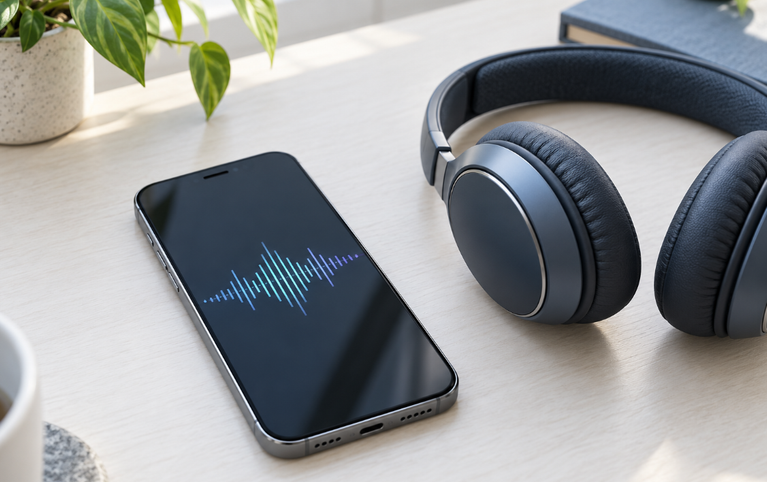
Use a familiar audiobook passage, voice recording from a trusted source, or spoken section of a video. Keep the listening position and volume consistent.
Do not use a newly recorded voice memo as your only test. A microphone problem can make the recording unclear before it reaches the speaker. If another person’s copy of the same recording sounds equally dull, the source deserves attention.
For a more structured comparison, use our guide to testing a phone speaker. It explains listening steps; this article does not contain a test player.
2. Remove Accessories That Cover an Opening
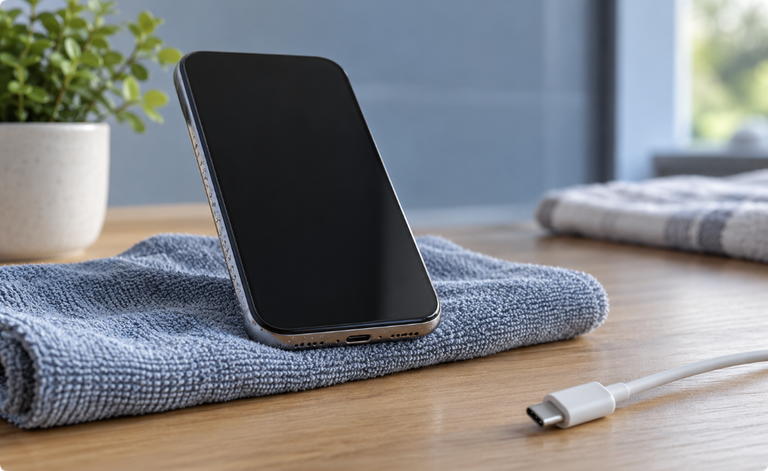
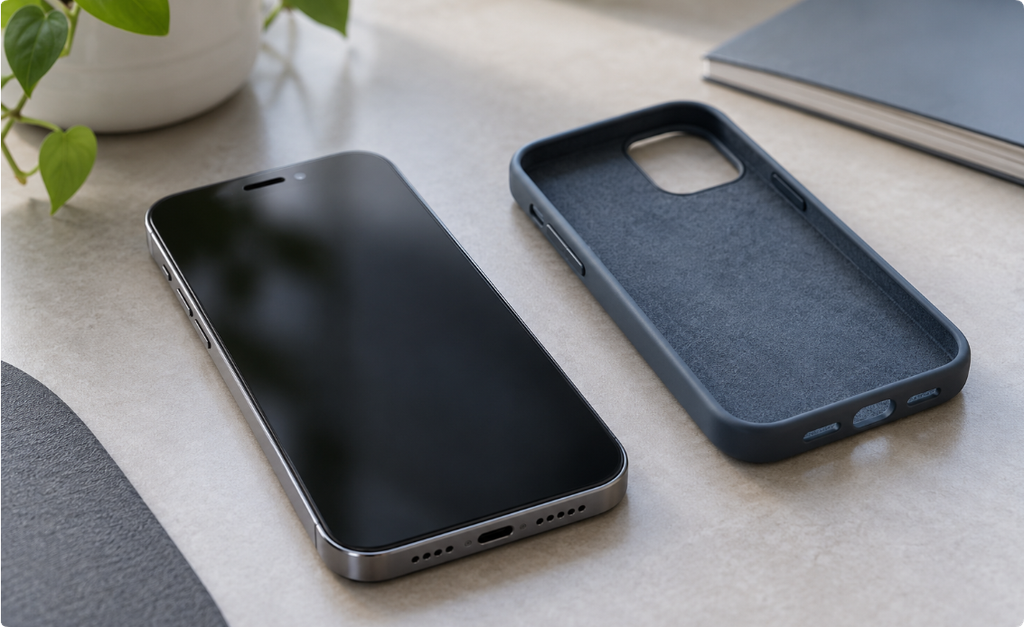
A shifted case or overlapping screen protector can change what you hear. Remove it and replay the same passage before trying to clean anything.
Inspect the exterior under good light. Apple specifically recommends checking blocked or dirty speaker and receiver openings; where cleaning is needed, it specifies a clean, dry, soft-bristled brush. Follow your own manufacturer’s instructions for other models. Apple speaker guidance
Do not force a brush, pin, or cloth through the mesh. The purpose of an exterior check is to find an obvious obstruction, not to reach the speaker membrane.
3. Establish Where Audio Is Playing
Make sure the phone is the intended output. An accessory can still be connected when you are concentrating on the handset.
Temporarily disconnect headphones and external audio devices. Then repeat the comparison. If the symptom belongs to the accessory rather than the phone, cleaning the handset does not address the right problem.
Avoid changing the output, app, volume, and audio settings all at once. If the sound improves, you will not know which change mattered.
4. Compare Calls with Media Playback
A poor call can involve reception, the other person’s microphone, a communication app, or a receiver. Try another contact or a different call environment before assuming a speaker fault.
Google’s Pixel troubleshooting guidance recommends comparisons across recordings and apps and includes call-connection checks. Those are useful examples of isolating a symptom rather than assigning every unclear sound to debris. Google sound troubleshooting
If the problem is limited to the receiver against your ear, use the dedicated muffled phone-call guide. For iPhone-specific steps, see why an iPhone speaker sounds muffled.
5. Review Optional Sound Processing
If you recently changed an equalizer preset or an enhancement, note the setting and compare with the ordinary default. Return one setting at a time rather than guessing at a universal “best” sound mode.
Do not remove accessibility settings that you rely on just to match someone else’s screenshot. If you make a temporary comparison, restore your preferred configuration afterward.
6. Consider Moisture Without Assuming It
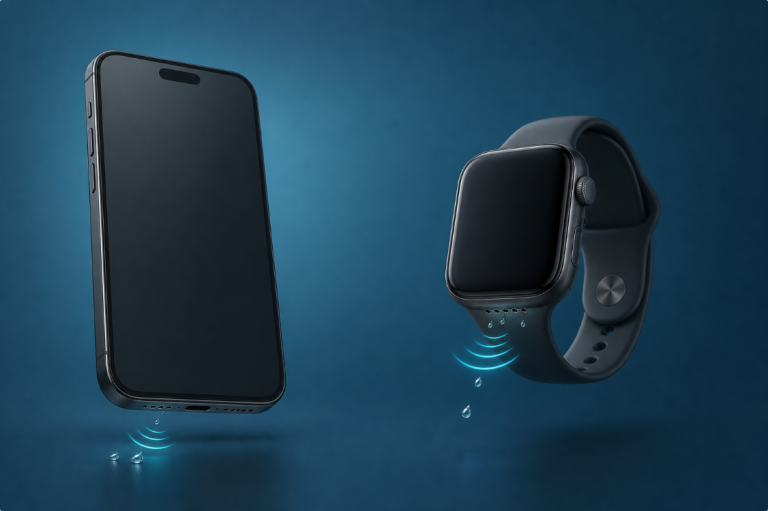
If a splash occurred just before the change, follow the device’s drying guidance. A phone can sound dull after moisture exposure, but the symptom alone does not establish where the liquid is or whether internal components are affected.
A speaker tone cannot dissolve residue, remove compacted dirt, or repair damaged parts. Do not use repeated louder playback as a substitute for safe handling. If the phone was immersed or other functions changed, seek model-specific help.
When the Problem Continues
After basic comparisons, record whether the symptom follows the app, recording, accessory, or phone. Mention any drop, repair, or liquid exposure to support.
Seek service for persistent unclear sound across known-clear sources, visible damage, or symptoms accompanied by heat and unexpected shutdowns. A listening guide cannot tell you which internal part needs replacement.
Frequently Asked Questions
Why does my phone sound muffled all of a sudden?
A recent change in the recording, app, accessory, case, settings, moisture exposure, or hardware may be involved. Start with what changed immediately before the symptom.
Does muffled sound always mean water is trapped?
No. The same description can apply to obstruction, audio processing, a poor recording, or damage. Do not choose a water-removal method from the sound alone.
Why is music clear but a caller sounds muffled?
Calls can use a different audio path and depend on reception and the other person’s microphone. Compare receiver, speakerphone, and another call.
Can cleaning restore clarity?
It may help an exterior obstruction when performed according to the model’s directions. It cannot repair physical damage or improve a bad recording.
Should I factory-reset the phone first?
No. Start with simple comparisons. A reset is a major change and is not a replacement for checking output and accessories; back up data before any manufacturer-directed reset.