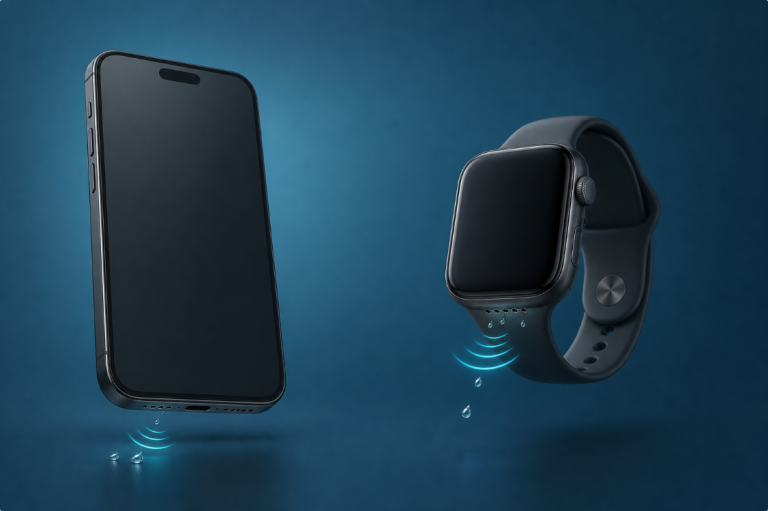

To get water out of a phone charging port, disconnect the cable, dry the exterior, and follow your phone manufacturer’s instructions for letting the connector dry. Do not insert a tool, force air into the opening, or repeatedly plug in a charger to see whether the warning has disappeared.
The immediate goal is safe drying, not the fastest possible return to charging. A phone that still plays music can have moisture in its charging connector, and a dry-looking outside does not confirm that the recessed contacts are dry.
First, Identify What Got Wet
Was it a splash near the port, a wet cable tip, or a phone dropped into liquid? These situations deserve different levels of caution.
If the device was submerged, behaves unusually, becomes hot, or has several failing functions, stop treating it as a port-only problem. Read what to do after dropping a phone in water and arrange manufacturer support when appropriate.
Do not touch a wet mains outlet or power adapter. If the power equipment itself got wet, deal with electrical safety before handling the phone.
Safe First Steps
- Disconnect charging and wired accessories.
- Remove a case that traps moisture around the connector.
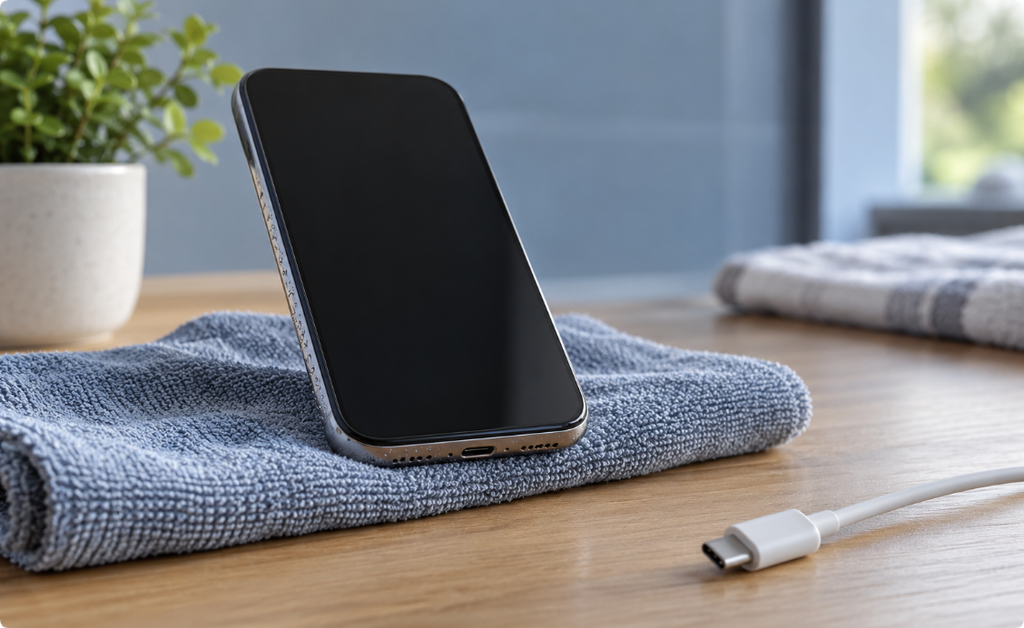
- Blot the exterior with a clean, soft, lint-free cloth without pushing the cloth into the port.
- Follow the manufacturer’s recommended orientation and drying process.
- Keep the device and disconnected cable in a dry place. Do not apply heat.
Avoid forceful shaking or trying to reach the water with a pin. A USB-C or Lightning connector is an electrical interface, not a drain you can safely scrape open.
iPhone: Follow the Liquid-Alert Instructions
Apple advises disconnecting the cable, gently tapping the iPhone against your hand with the connector downward, and leaving it somewhere dry with airflow. Its instructions allow a charging attempt after at least 30 minutes; if the alert returns, further drying may take up to 24 hours. That timeline is not a guarantee or a rule for every phone.
Apple also warns against heat, compressed air, objects inside the connector, and rice. Check the current Apple liquid-detection guide for your situation rather than treating a countdown as proof of dryness.
Pixel and Other Android Phones
Google’s Pixel instructions say to turn off a phone with a wet USB-C port or cable and let it dry on a flat surface at room temperature. They also say not to place anything inside the connector. Follow any on-screen instruction before reconnecting an accessory. Google’s USB-port warning guide
Other Android manufacturers may use different alerts and recovery steps. Search the official support site for your exact model and the wording on your screen. Do not assume an iPhone waiting period applies to a Samsung, Pixel, or another handset.
What Not to Use
| Proposed shortcut | Why it is not a good general solution |
|---|---|
| Hair dryer or heater | Heat is not a controlled connector-drying method |
| Pin, toothpick, cotton swab, or paper | Material can damage contacts, leave fibers, or push liquid inward |
| Rice | It is not a reliable way to confirm a port is dry and can introduce particles |
| Repeated charging attempts | Each attempt involves connecting power to a potentially wet interface |
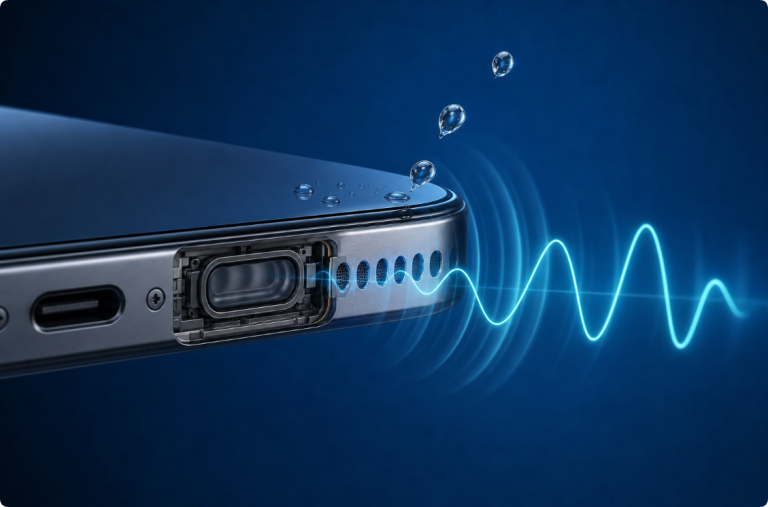
| A water-eject sound | Playback moves a speaker, not the connector’s internal contacts |
Do not pour alcohol or another cleaner into the opening. Instructions for professional repair or another device’s external surfaces are not instructions for a wet phone connector.
Can Sound or Vibration Remove Water from a Charging Port?
Do not rely on it. A speaker-clearing tone and a charging-port drying procedure address different parts of a phone. The connector has no speaker diaphragm designed to push liquid out of its contacts.
An apparent improvement while audio plays does not establish that the sound caused it, or that the port is safe to charge. Time, airflow, and the device’s position may have changed at the same time. Our explanation of what water eject means covers that boundary.
The Phone Keeps Reporting Liquid
Check whether the warning is associated with one particular cable or accessory, even after the phone has had the manufacturer-recommended drying time. A damp, contaminated, or faulty cable can complicate the result.
Do not keep bypassing the warning or connect several chargers in quick succession. Note when the incident happened, which accessories trigger the alert, and whether there are other symptoms. Give that information to the manufacturer or a qualified repair provider.
Salt water, drinks, and soapy water can leave residue. The disappearance of visible water is not the same as removing contamination. Do not improvise a rinse inside the port; follow model-specific support advice.
When Should You Seek Service?
Seek help if charging remains unreliable after the recommended drying process, if you see corrosion or damage, or if charging problems accompany heat, shutdowns, screen changes, or other faults.
Do not open the phone to dry the port yourself. Internal repair can involve battery hazards and delicate seals. If the device is stable later, back up important data before additional troubleshooting or service.
Frequently Asked Questions
How do I dry my charging port quickly?
Use the manufacturer’s drying process rather than heat or tools. There is no universal shortcut that confirms all moisture is gone.
Is it safe to charge when the speaker sounds normal?
Speaker clarity does not tell you whether the charging connector is dry. Follow the liquid alert and the manufacturer’s charging guidance.
Can I use wireless charging instead?
Some manufacturers allow it in certain circumstances. Check your model’s instructions and make sure the relevant exterior surfaces are dry. Do not use it as a workaround for a submerged, hot, or malfunctioning phone.
Why does the alert appear when the port looks dry?
Moisture can be difficult to see, and the cable or accessory may also be involved. A persistent alert needs proper troubleshooting rather than repeated overrides.
Does a water-resistant phone need drying?
Yes. Water resistance does not make every wet connector safe to connect to power, and protection varies by model and condition.
Official Sources
Editorial note: This guide covers cautious external handling, not internal liquid-damage repair. Exact-model manufacturer instructions take priority. The featured image is AI-generated.