
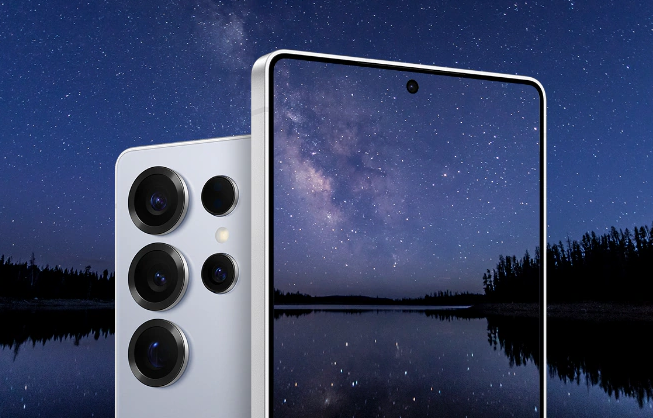
If you’ve accidentally splashed your Samsung Galaxy S25 Ultra or dropped it in water, you might wonder: “Is there a water eject feature in the S25 Ultra?” The short answer is no — the Galaxy S25 Ultra does not include a built-in “water eject” feature like Apple’s Watch.
A few careful steps may help when a small amount of fresh water is close to a functioning speaker grille. However, a speaker tone cannot dry the USB port, microphone, battery, or internal electronics, and it cannot repair liquid damage.
Does the Galaxy S25 Ultra Have a Built-in Water Eject Feature?
Samsung has not integrated a native “Water Eject” function in the S25 Ultra. Instead, the phone relies on its IP68 water resistance rating, which means it can withstand being submerged in up to 1.5 meters of water for about 30 minutes.
But while this rating protects against short-term exposure, it doesn’t actively remove trapped water from your speakers. If you hear muffled or distorted audio after exposure, you’ll need to manually eject the moisture.
How to Remove Water from Your S25 Ultra Speakers
Start with the following cautious drying and troubleshooting steps:
1. Turn Off the Device Immediately
Disconnect charging cables and wired accessories immediately. If the phone was submerged, becomes hot, restarts, or shows problems beyond muffled audio, power it off and contact Samsung Support.
2. Gently Shake Out Excess Water
Hold your phone speaker-side down and gently shake it to release water droplets. Avoid shaking too hard — doing so might push the liquid deeper inside the device.
3. Use a Low-Frequency Sound to Eject Water
A controlled speaker tone may help move a small fresh-water droplet near a functioning speaker grille. It does not dry the whole phone or guarantee that the speaker will recover.
How to use it cautiously:
- Disconnect cables and remove any case that traps moisture.
- Pat the exterior with a clean, soft cloth.
- Hold the affected speaker facing downward.
- Open WaterEjectSound.com and begin at a controlled volume.
- Run one short cycle, then stop and allow room-temperature drying time.
- Test spoken audio at moderate volume.
Stop if the speaker crackles sharply, the phone becomes hot, or other functions change. Do not continue playing the tone for several minutes or repeat it indefinitely.
4. Dry the Speaker and Charging Ports
Use a clean, soft cloth to dry the phone’s exterior. Do not insert cloth, cotton swabs, pins, or other objects into the speaker, microphone, or USB port. Avoid heat and compressed air, and do not reconnect a cable while the port is wet or displaying a moisture warning.
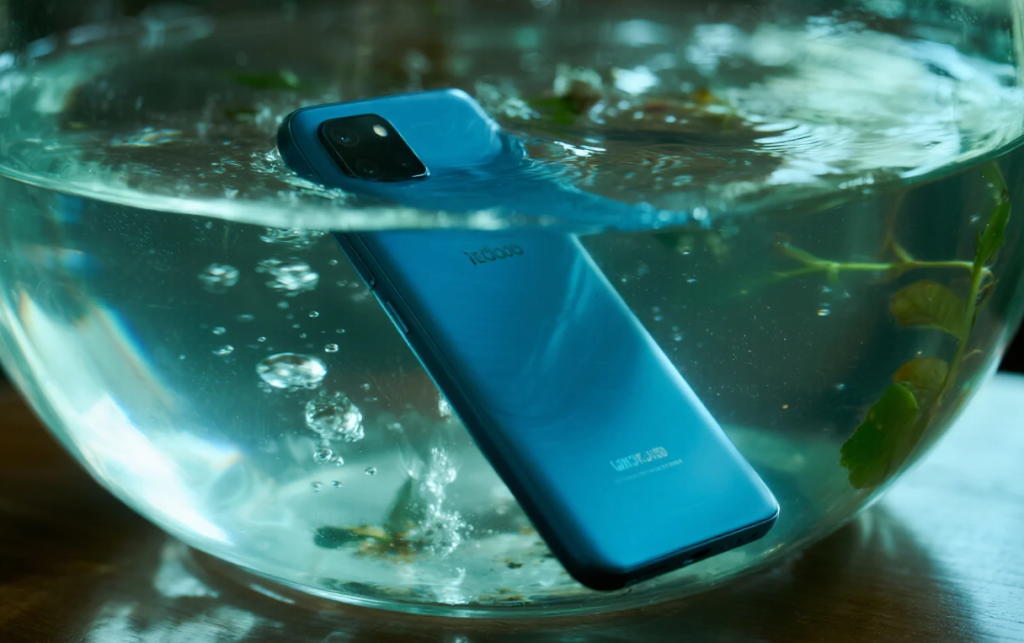
Check the Speaker and Other Phone Functions
After the exterior has dried, test spoken audio at moderate volume. Remove the case, turn off Bluetooth temporarily, and compare more than one app.
You can also run the available diagnostic tests in Samsung Members. If the speaker remains distorted, the USB warning continues, or the display, cameras, buttons, battery, or microphones also behave differently, contact Samsung Support.
Do not open the SIM tray while the phone is still wet.
Why Use an Online Water Eject Tool?
While manual drying methods can help, they’re not always effective at clearing trapped moisture. A dedicated sound frequency tool like WaterEjectSound.com is designed specifically to vibrate the speakers at precise levels, ensuring fast and thorough water removal without any risk to your device.
It works perfectly not just for Samsung Galaxy S25 Ultra, but also for iPhones and other Android devices.
Final Thoughts
The Samsung Galaxy S25 Ultra doesn’t include a built-in water eject feature, but that doesn’t mean you’re out of options. With the right tools and a little care, you can easily remove water from your speakers and prevent long-term audio issues.
After exterior drying, you may use WaterEjectSound.com for one controlled speaker-tone cycle. Allow drying time afterward, and use Samsung Members diagnostics or contact Samsung Support if the sound does not improve.