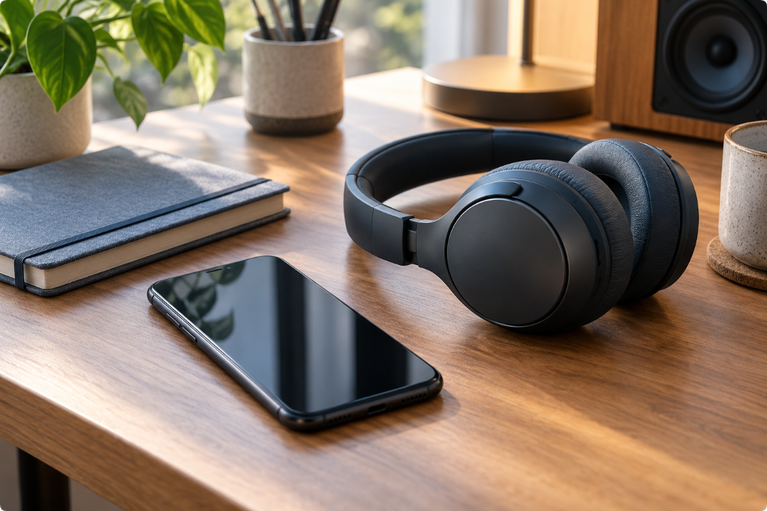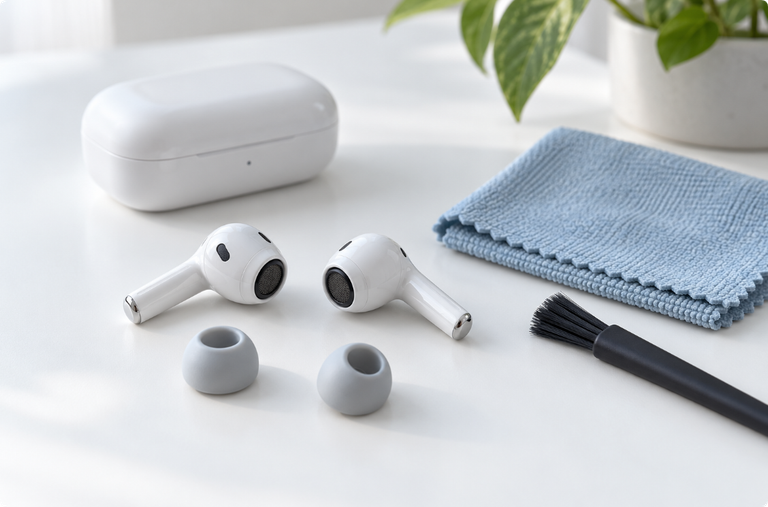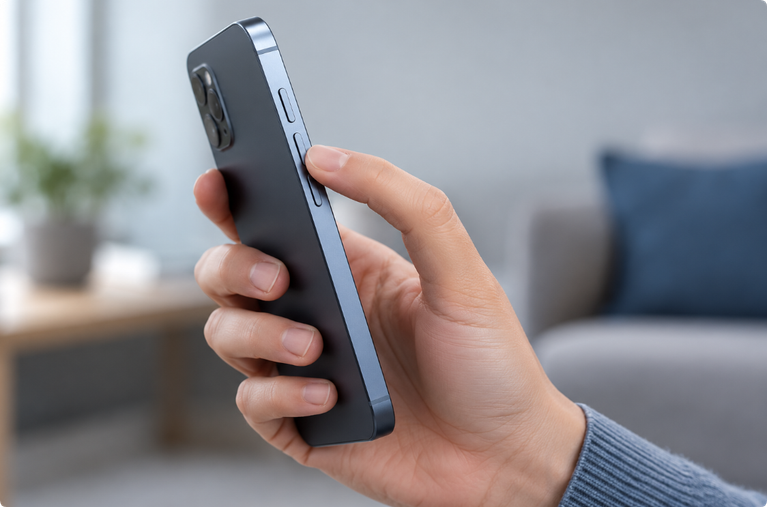

If you are searching for “fix my speaker,” the first step is to identify what changed. A phone speaker can sound quiet or distorted because of moisture near the grille, dust or lint on the mesh, a blocked case, a Bluetooth connection, an audio setting, or damaged hardware.
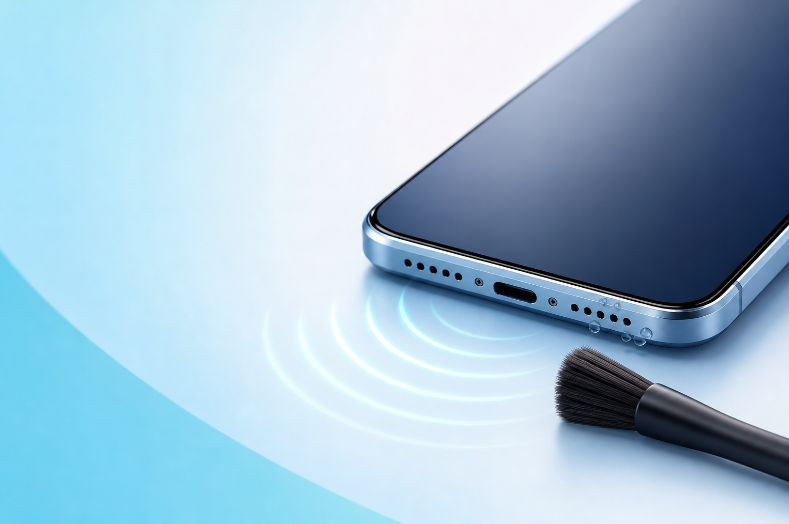
This free browser-based tool lets you play a controlled tone and run a simple sound check without installing a speaker fix app. It may help move small droplets close to a speaker opening, but it cannot remove liquid from internal components or repair a damaged speaker.
Start With the Simple Checks
Before playing a cleaning tone, try these quick checks:
- Remove the phone case and screen protector if either one covers a speaker opening.
- Turn off Bluetooth so audio does not play through earbuds, a car, or another speaker.
- Raise the volume gradually while playing spoken audio.
- Restart the phone if the problem began after an app or system update.
- Compare the earpiece speaker during a call with the bottom speaker during media playback.
If only one app sounds bad, the problem may be the app or recording rather than the phone speaker.
Choose the Right Method
| What you notice | Likely issue | What to try |
|---|---|---|
| Sound became muffled after rain or a splash | Moisture near the grille | Wipe the phone, hold the speaker downward, allow airflow, then try one short tone |
| Sound became quieter over several months | Dust or lint on the mesh | Power off the phone and gently clean only the exterior grille using the manufacturer’s guidance |
| Audio plays through another device | Bluetooth routing | Disconnect Bluetooth devices and test again |
| Crackling appears at every volume | Possible hardware damage | Stop high-volume tests and seek qualified service |
| Only calls sound quiet | Earpiece blockage or call settings | Remove the case, inspect the earpiece, and test another call |
| Only one app sounds distorted | App or source problem | Try a different recording and update or restart the app |
How to Use the Mobile Sound Cleaner
Use the tool on the phone with the affected speaker:
- Disconnect charging cables.
- Remove the case and wipe the outside with a soft, lint-free cloth.
- Hold the affected speaker facing downward.
- Start with the phone volume low.
- Play a short tone and increase the volume only enough to create clear movement without harsh distortion.
- Stop and test normal spoken audio.
- Allow a break before deciding whether to try again.
More volume and longer playback are not automatically more effective. Stop if you hear strong crackling, severe distortion, or an unusual mechanical sound.
Can Sound Clean Dust From a Phone Speaker?
Sound can move a speaker diaphragm, but it does not make dust disappear. A tone may loosen a small amount of light debris near the surface, yet compacted lint or residue usually requires careful exterior cleaning.
To clean a mobile speaker safely:
- turn the phone off;
- remove the case;
- use a clean, dry, soft brush only on the exterior grille if the manufacturer permits it;
- keep liquids, metal pins, toothpicks, and adhesives away from openings;
- do not push debris deeper into the mesh;
- do not use compressed air unless the manufacturer specifically recommends it.
If the grille contains sticky residue or corrosion, professional cleaning is safer than repeatedly playing a loud sound.
Is This a Speaker Fix App?
This tool works like a lightweight web app, but nothing is installed on your phone. Open the page in a modern browser, start the tone, and close the page when finished.
An installed app and an audio cleaner online free tool both use the phone’s existing speaker. Neither can access hidden moisture, replace damaged hardware, or guarantee a repair. The main advantages of a browser tool are speed, no installation, and no account requirement.
Water, Dust, or Hardware Damage?
The timing of the problem is often the best clue.
The sound changed immediately after water exposure
Moisture may be sitting near the speaker grille. Stop charging, wipe the phone, let it dry with airflow, and use a short tone only as an optional step. Read our water in phone speaker guide before continuing.
The sound became quiet gradually
Dust, pocket lint, or residue may be blocking the exterior mesh. A tone is less likely to help than careful exterior cleaning.
The sound crackles after a drop
A fall can damage the speaker, loosen a connection, or affect the enclosure. Sound playback cannot repair physical damage.
The phone shows a liquid warning
Do not use a cable until the connector is dry. A speaker tone is not a charging-port drying tool. Follow the manufacturer’s instructions for your exact device.
When to Stop and Get Help
Stop troubleshooting and contact the manufacturer or a qualified repair provider if:
- the phone was fully submerged;
- it was exposed to salt water, pool water, soap, a drink, or another liquid;
- it becomes unusually hot, restarts, or will not turn on;
- the screen, camera, charging port, or buttons also malfunction;
- the speaker remains distorted after the phone has dried;
- important data is stored on the device without a backup.
Frequently Asked Questions
How can I fix my speaker sound quickly?
Remove the case, disconnect Bluetooth devices, restart the phone, and test more than one audio source. If the problem began after a splash, allow airflow and try one short water-eject tone at a controlled volume.
Will a mobile sound cleaner repair a broken speaker?
No. It can play test tones and may help with surface moisture, but it cannot repair a torn diaphragm, damaged connection, corrosion, or another hardware fault.
Should I use maximum volume?
No. Start low and increase only until the tone is clear. Stop if it becomes harsh or distorted.
Does the tool use my microphone?
The basic tone tool does not need microphone access. If a future sound-measurement feature requests permission, the browser should ask first and the page should explain why it is needed.
Can I clean an iPhone speaker with this tool?
You can play the tone on an iPhone, but iPhone does not have the same built-in water-ejection control as Apple Watch. Read the iPhone speaker water guide and follow Apple’s drying instructions.
Final Check
After troubleshooting, play a voice recording at a low volume and compare it with a recording you know sounds clear. If speech is easier to understand and there is no crackling, the speaker may simply have needed time to dry or an obstruction removed. If the problem continues, repeated loud playback is unlikely to solve it.
Water Eject Sound is an independent informational tool. It is not affiliated with or endorsed by Apple, Samsung, Google, or any device manufacturer. Results vary, and the tool is not a substitute for professional repair.